The Chrome Console
We will be using the console extensively throughout this class, and the console is used extensively in the real world. Becoming familiar with the console is extremely important.
The JavaScript Environment
JavaScript is one of the three languages (and the only programming language) that power web pages on the Internet. We use a web browser, such as Internet Explorer, Mozilla Firefox, and Google Chrome to view the content on the web pages. Because web browsers are the tool in which web pages are presented, part of a web browser's functionality includes running JavaScript. In fact, the most common (however, not only) environment for running JavaScript is a web browser.
Google Chrome
In this class, we'll be using Google's Chrome browser which can be downloaded here. Chrome comes with a nifty set of tools to help develop web pages, one of which is the JavaScript console. Google Chrome's developer console can be used to write and execute JavaScript code, and is a great place to experiment with the language.
Opening the Console
To open the console, use the keybinding for your system from within Chrome:
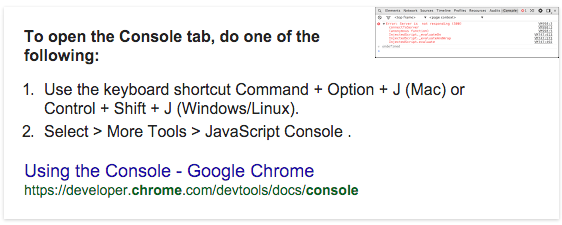
It is recommended that you learn to open the console from the keyboard, because we will be using it so frequently.
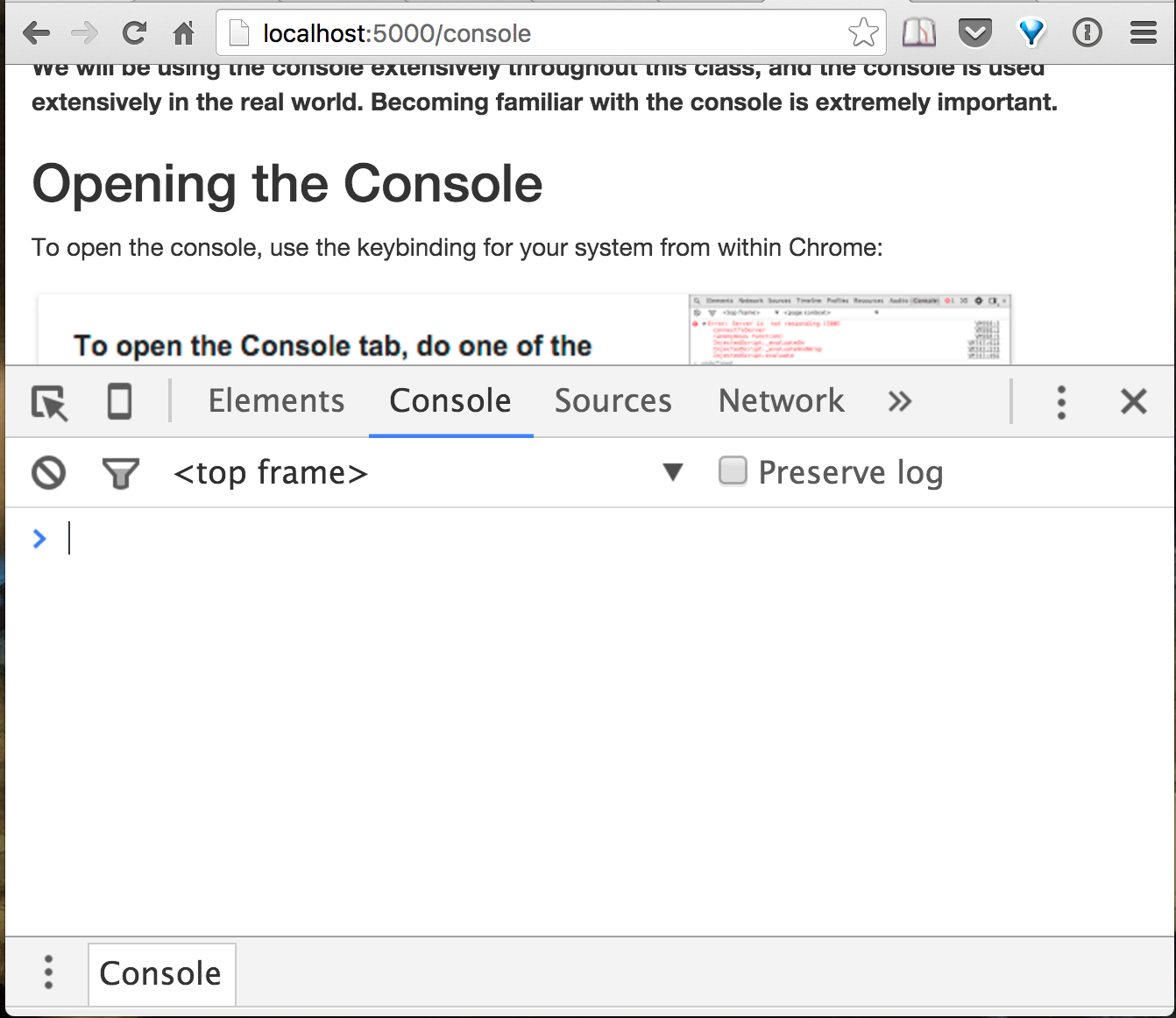
When you have the console open, it should look something like this:
Tips & Tricks
History
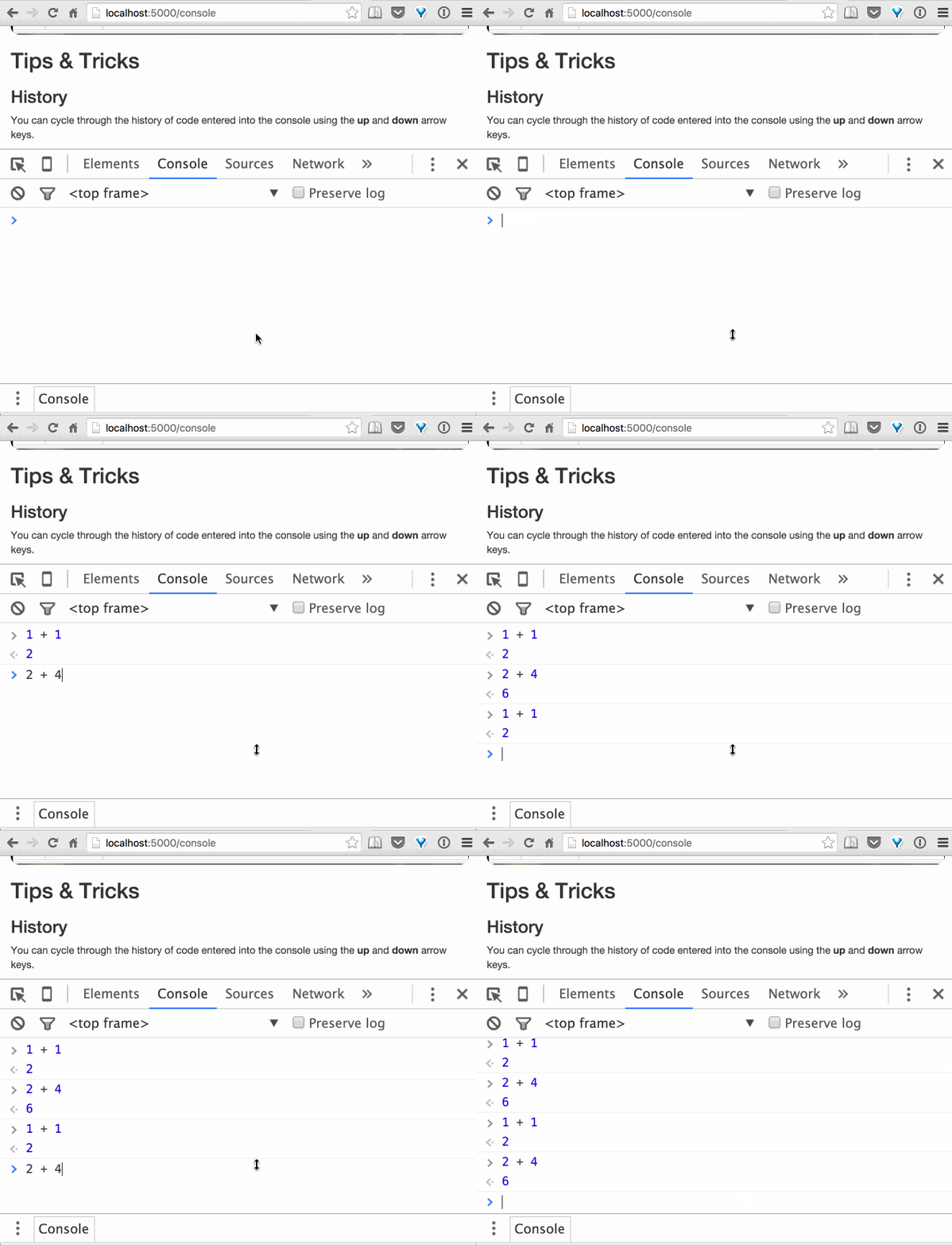
You can cycle through the history of code entered into the console using the up and down arrow keys.